Cybersecurity
Nobody’s at the Desk: Cyberattacks That Start After Hours at Alexandria Offices Count on It
November 17, 2026 · 8 minutes
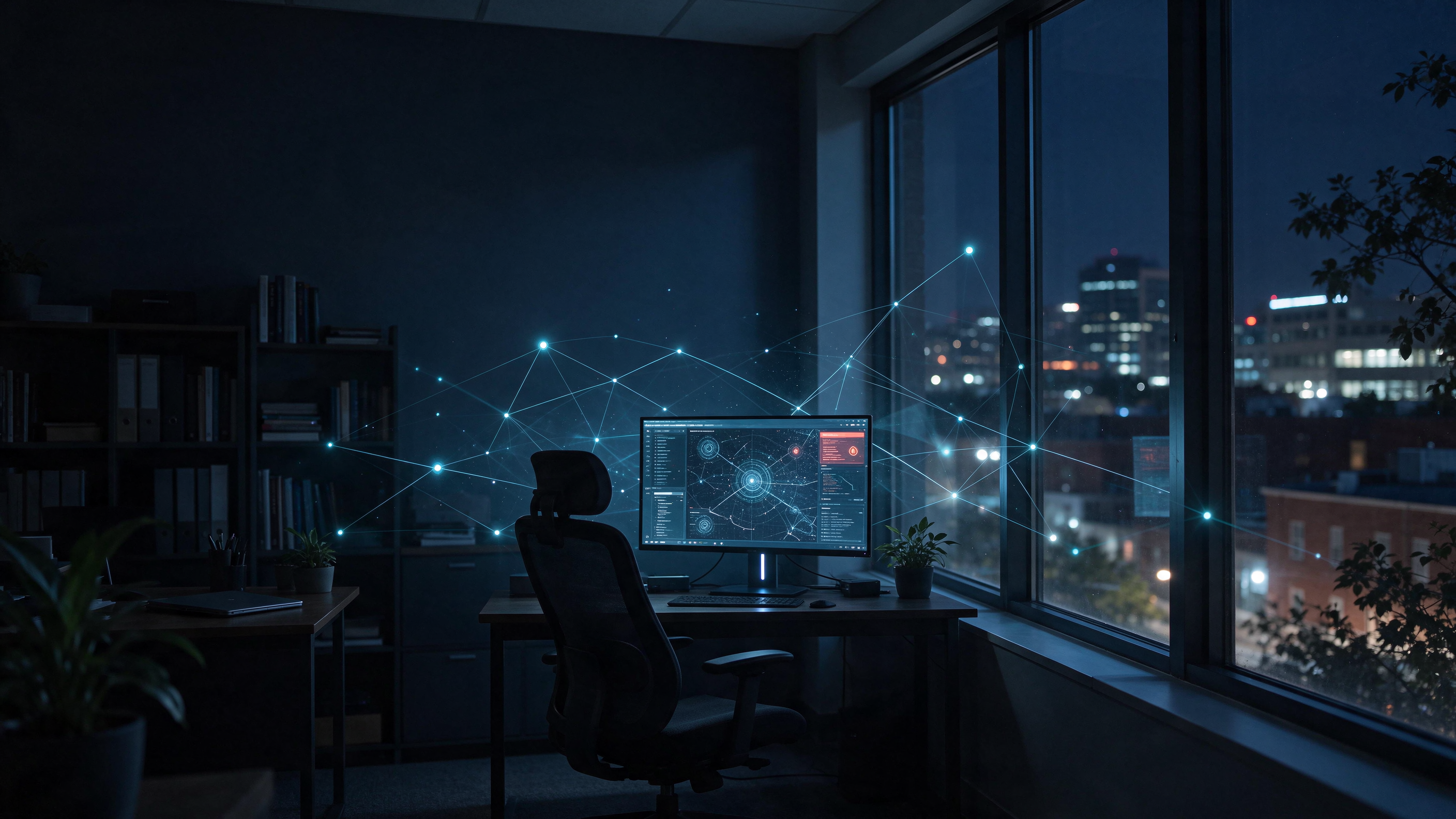
A stolen password works the same at 2 a.m. as it does at noon. Cyberattacks that start after hours at Alexandria offices count on that simple fact, because nobody is watching when the intruder signs in.
The Hours When Nobody Is Watching
Most small offices in Alexandria run on a familiar daily rhythm. Staff arrive, the phones light up, and someone usually notices when a computer starts acting strangely. By seven in the evening, that informal early warning system has gone home for the night.
Attackers understand this rhythm very well. The FBI and CISA issued a joint advisory warning that they had observed an increase in highly impactful ransomware attacks occurring on holidays and weekends, when offices are normally closed. The same advisory urged organizations to keep IT security staff on call during those windows and to hunt for threats before trouble starts.
For a ten-person medical practice or a small law office, nobody is on call. The question is not whether an alert fires overnight. The question is whether anyone sees it before Monday morning.
Long Weekends and Late Logins Widen the Gap
Small organizations feel this gap more than most. Verizon’s 2026 Data Breach Investigations Report states that “Small organizations are disproportionally impacted by Ransomware.” Criminal groups have little reason to rush when their target has nobody watching.
Holidays stretch that window even further. A long Thanksgiving weekend or the winter break can leave an office dark for four days straight. Every extra hour without anyone watching the network gives an intruder more room to work.
Remote access adds another quiet opening. Staff who check email or patient portals from home create logins at odd hours, which makes one more late sign-in easy to overlook. Attackers blend into that pattern because it already looks normal.
How Intruders Get In Before the Lights Go Out
Overnight attacks rarely begin with a dramatic break-in. They usually start with something small that slipped through during the day, such as a reused password or an unpatched program. The intruder then waits for a quiet window to explore, steal, and lock files.
Verizon’s 2026 DBIR breaks down how breaches began at small and medium-sized businesses:
- Exploitation of vulnerabilities was the initial access vector in 26% of SMB breaches.
- Credential abuse accounted for 13% of SMB breaches.
- Phishing was the starting point in 9% of SMB breaches.
- Credentials were among the data compromised in 31% of SMB breaches.
- Third-party involvement appeared in 55% of SMB breaches.
Billing services, practice management platforms, and outside vendors often hold remote access that nobody reviews. An attacker who compromises one of those connections can arrive looking like a trusted partner.
Each of these entry points can be remarkably quiet. A login with a valid password looks normal to most security software. A vulnerability exploited late at night may trigger nothing that a traditional tool recognizes as dangerous.
Timing turns a small opening into a serious problem. Cyberattacks that start after hours at Alexandria offices can begin on a Friday evening and run for more than two full days before the Monday staff meeting. That is plenty of time to map the network, find the backups, and plan the next move.
What a Quiet Weekend Can Look Like
Picture a small Alexandria dental practice on a Friday evening. The last hygienist leaves at six, and the front desk computer stays on for a weekend backup. Around nine, someone signs in using a password stolen weeks earlier through a phishing email.
Nothing looks broken from the outside. The intruder browses shared folders, finds the scheduling system, and locates where the backups are stored. Over Saturday, patient files leave the network in small batches that draw no attention.
Early Sunday morning, the backup job gets disabled and encryption spreads across every connected machine. When the office manager unlocks the door on Monday, every screen shows a ransom note. The antivirus dashboard, meanwhile, still displays a reassuring green checkmark.
This scenario is illustrative, but each step mirrors tactics described in federal and industry reporting. The damage did not happen in one dramatic moment. It happened slowly, across the hours when nobody was there to notice.
What Antivirus Does Well, and Where It Stops
Antivirus still matters, and nobody should uninstall it. The NIST Cybersecurity Framework 2.0 Small Business Quick-Start Guide tells small businesses to prioritize installing and maintaining antivirus and anti-malware software on all business devices. That advice remains sound as a starting layer of protection.
The limitation lies in what antivirus was built to do. Traditional antivirus compares files against a list of known threats and blocks the matches. Many overnight intrusions rely on stolen logins and built-in system tools, so nothing on that list ever matches.
A standard antivirus setup tends to fall short in several predictable ways:
- It may not flag a valid login from an unfamiliar location at 3 a.m.
- It often misses attackers who use built-in system tools instead of malware.
- It usually reports a problem without containing the affected computer.
- It rarely connects small warning signs across several devices into one picture.
- It cannot wake anyone up when something goes wrong.
A green checkmark on the dashboard means the known threats were blocked. It says very little about the unknown ones moving quietly through the network.
How Endpoint Detection and Response Covers the Night Shift
Endpoint detection and response, usually shortened to EDR, takes a different approach. Instead of only checking files against a list, it watches how each computer behaves over time. When a laptop suddenly starts encrypting hundreds of files or contacting a strange server, EDR treats that behavior as the warning sign.
NIST’s small business guidance points in the same direction. The guide advises assessing computing technologies and external services for deviations from expected or typical behavior. It also recommends engaging a service provider to monitor computers and networks for suspicious activity when a business lacks the resources to do it internally.
In practical terms, a well-run EDR setup can:
- Spot unusual behavior on a device, even when no known malware is present.
- Quickly isolate an infected computer from the rest of the network.
- Stop suspicious processes before they reach shared drives.
- Record a timeline of events for later investigation.
- Alert a monitoring team that can respond at any hour.
That last capability matters most once the office empties out. EDR software on its own can raise an alarm, but someone still has to answer it. The strongest setups pair the tool with people who watch alerts around the clock and know when to cut a device off.
Good monitoring also filters out the noise. Not every unusual event is an attack, and a team that knows the office’s normal patterns can tell a late-working attorney from an intruder. That context avoids needless false alarms while still catching the events that count.
Why Healthcare and Legal Practices Feel It First
Cyberattacks that start after hours at Alexandria offices hit medical practices and small law offices especially hard, because those practices hold the data attackers value most. Patient records fall under HIPAA, and client files carry confidentiality obligations that a law office cannot simply apologize away. Both types of information keep their value long after they are stolen.
These practices also tend to run lean on staff. The office manager often doubles as the IT contact, and nobody is paid to watch a dashboard at midnight. Overnight intruders exploit that staffing reality more than any single technical flaw.
A breach discovered on Monday morning is rarely just a Monday problem. By then, records may already be copied and systems may already be locked. The practice may face notification duties before it fully understands what happened.
What Round-the-Clock Coverage Should Include
After-hours protection is more than a piece of software installed on each computer. It combines detection tools, trained people, and clear rules about who acts when an alert fires. When any one of those pieces is missing, the overnight gap stays open.
The tools need to cover every device that touches practice data. That includes front desk workstations, provider laptops, servers, and the home computers staff use to check records in the evening. One unprotected machine can give an intruder the foothold they need.
The people side matters just as much as the technology. Someone must be awake, trained, and authorized to isolate a device without waiting for permission at 3 a.m. NIST’s guidance also stresses communicating relevant incident details to an authorized responder so they can analyze and contain the problem.
Finally, the plan should be tested well before it is needed. A short tabletop walkthrough shows whether alerts reach the right person and whether that person knows the next step.
Signs Your Overnight Coverage Has Gaps
Many practices assume someone is watching overnight because they already pay for IT support. That assumption deserves a careful second look. These signs suggest the coverage may stop when the office closes:
- Security alerts land in an email inbox that nobody reads until morning.
- Your provider’s support hours end when your office closes.
- No one can explain what happens if a laptop gets infected at midnight.
- Security software reports threats but cannot isolate a device remotely.
- Your incident response plan names no one to contact after hours.
These gaps are common, and most of them are fixable. Closing them usually starts with an honest review of what the current tools and contracts cover. NIST also advises understanding who has authority and responsibility for carrying out each part of the incident response plan.
Practice managers can raise these points during the next contract review or quarterly check-in. The answers usually reveal quickly whether coverage ends at five o’clock or continues through the night.
Keeping Watch After Everyone Goes Home
Antivirus remains a useful first layer, but it was never designed to stand guard alone. Detection and response tools, paired with round-the-clock monitoring, cover the hours when the office sits dark. The goal is straightforward: a suspicious event at 2 a.m. gets noticed and contained at 2 a.m.
For Alexandria’s healthcare and legal practices, that shift changes how Monday morning begins. Cyberattacks that start after hours at Alexandria offices will keep coming, but they no longer have to stay silent until someone unlocks the door. The practices that plan for those quiet hours are the ones that open on Monday with a normal day ahead.
Sources
- Verizon, 2026 Data Breach Investigations Report, Executive Summary (Small- and medium-sized businesses section): verizon.com/business/resources/executivebriefs/2026-dbir-executive-summary.pdf
- FBI and CISA, Joint Cybersecurity Advisory: Ransomware Awareness for Holidays and Weekends (August 31, 2021): ic3.gov/CSA/2021/210831.pdf
- NIST, Cybersecurity Framework 2.0: Small Business Quick-Start Guide (NIST SP 1300): nvlpubs.nist.gov/nistpubs/SpecialPublications/NIST.SP.1300.pdf